
Intro: When your hands are full of fabric, pins or a tape measure, typing is the last thing you want to do. Sewing Project Manager has a microphone button next to most fields, so you can speak your notes and numbers instead.
1. Find the microphone
Open any form, such as a project, a fabric, a pattern or a measurement profile. Next to the text and number fields you will see a small microphone button.
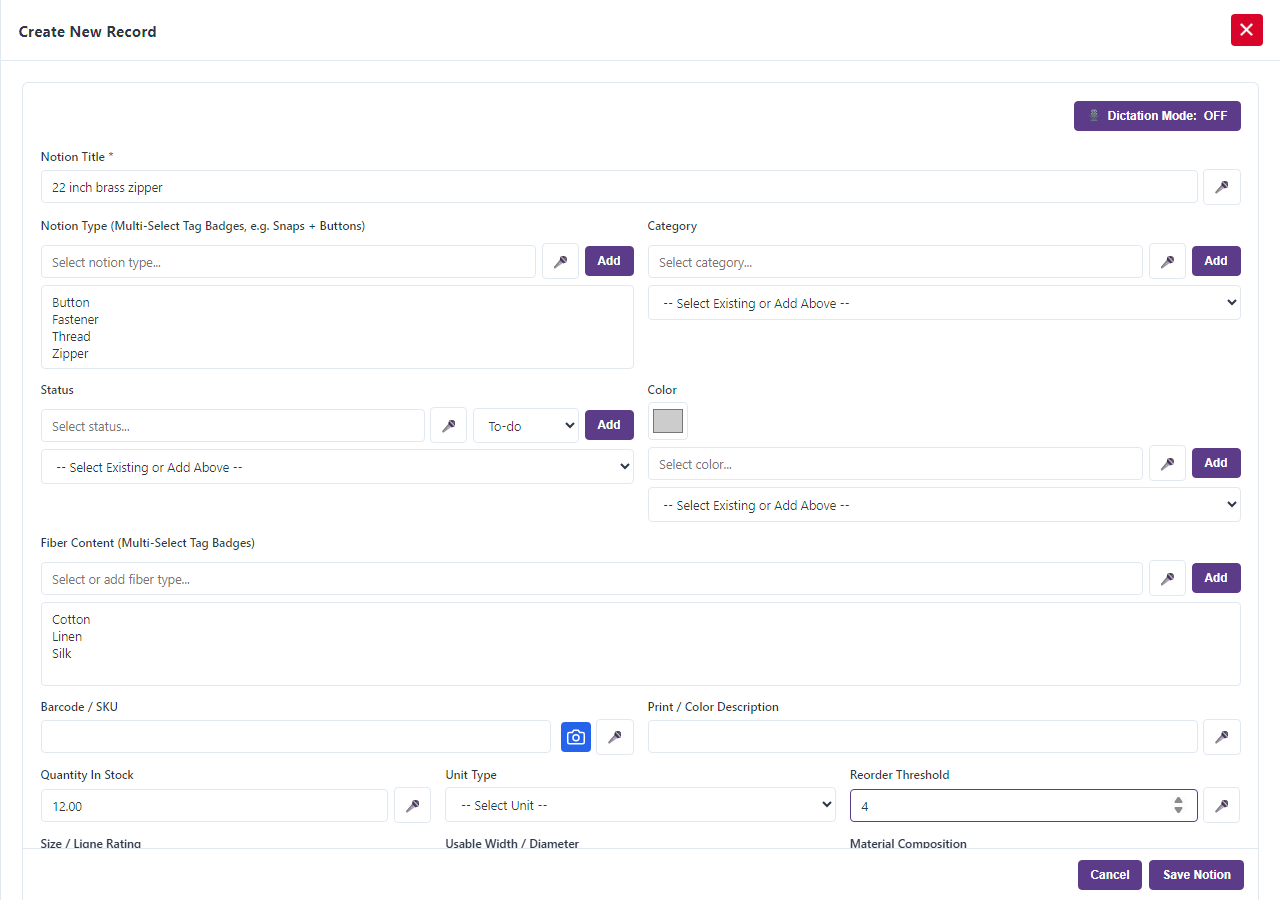
2. Allow your microphone
The first time, your browser asks permission to use the microphone. Choose Allow. Voice works in browsers that support speech recognition, such as Chrome and Edge.
3. Tap and talk
Tap the microphone next to the field you want to fill, then speak. Your words appear in the field as you talk. Tap the microphone again to stop.
4. Say numbers naturally
For number fields, speak the number the way you would say it. “Two and a half” becomes 2.5, “three quarters” becomes 0.75, and “half” becomes 0.5. This helps with yardage, measurements and quantities. In date fields, you can say the date out loud.
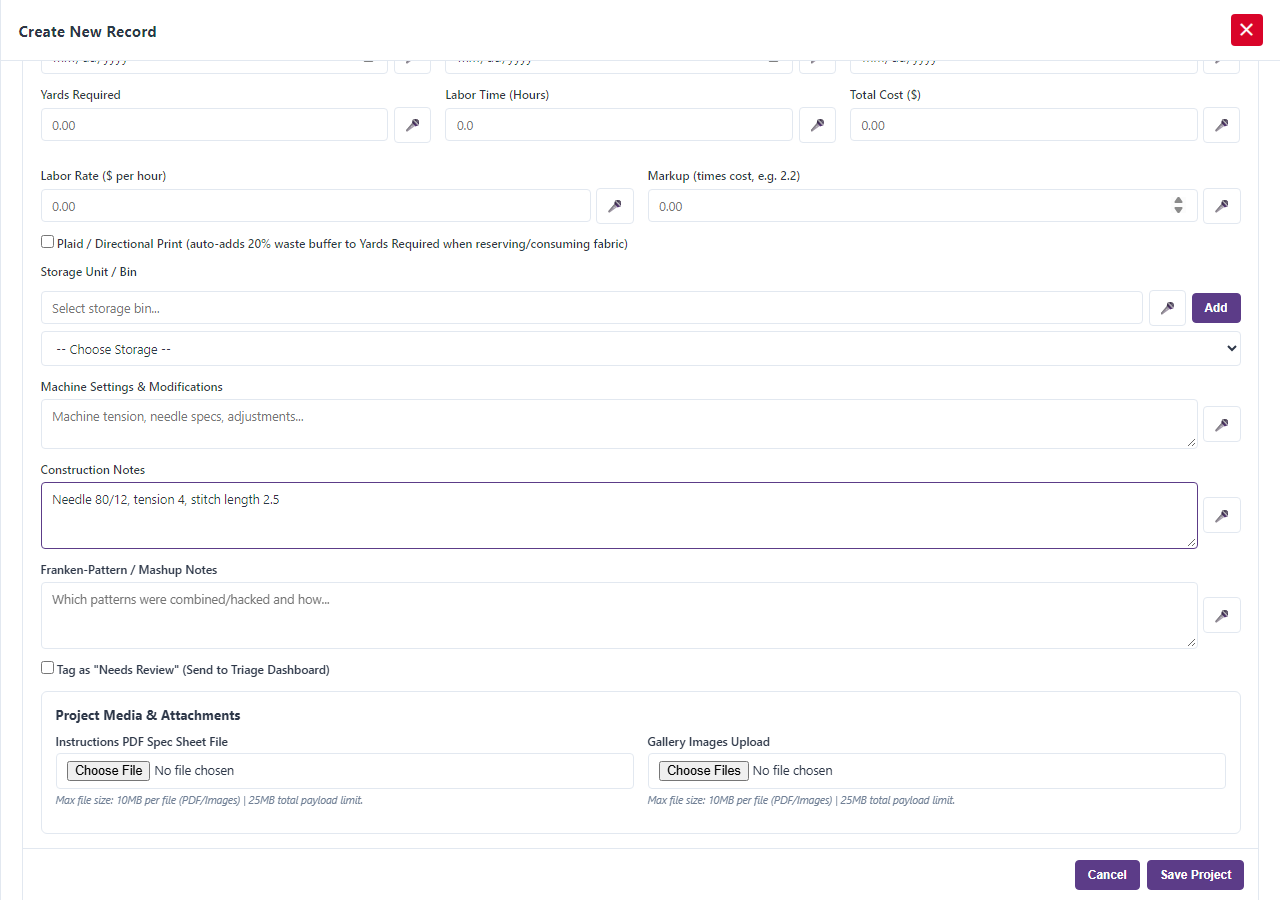
5. Keep your notes with the work
Use voice for the notes fields, such as modifications, construction notes, drafting notes and machine settings, to log what you did while you are still at the machine. Record the needle size, tension and stitch length as you set them.
6. Check and correct
Read what was typed and fix anything that was misheard. The speech language is set to English (US).
Tips
- Speak clearly and pause between fields.
- If the room is noisy, switch off the sewing machine for a moment while you dictate.
One more thing: Sewing Project Manager at Frozen Arctic Apps lets you log your work hands-free.