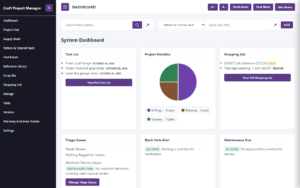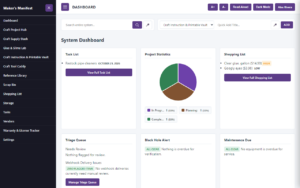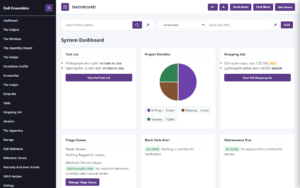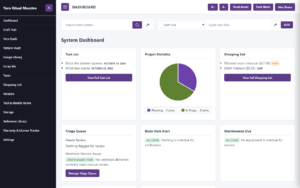
The Guild Tier lets you invite other people into your workspace, so you can share your stash and projects without sharing a login.
It’s a good fit for creative households, small studios and maker groups. Everyone signs in with their own account, and you stay in control of who has been invited.
To invite someone, open Settings, stay on the System tab and find Invite Guild Member. Type your collaborator’s email address, choose an access level and tap Send Invitation.
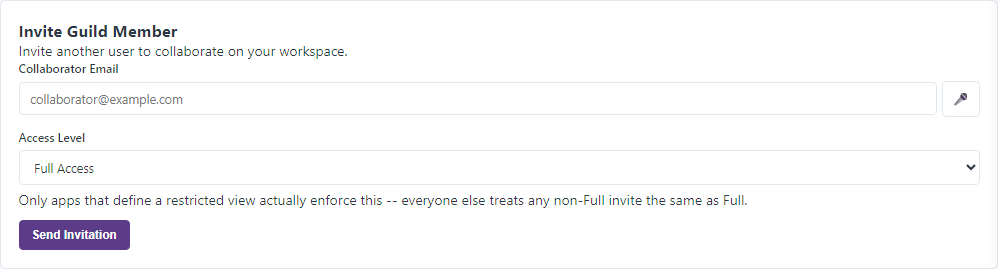
You can choose between two access levels. Full Access lets your collaborator work in the workspace the same way you do. Restricted Access gives a limited view, such as someone else’s stash on Where’d It Go?, but only in apps that offer a restricted view. In apps without one, every invitation works as Full Access, so pick the level with that in mind.